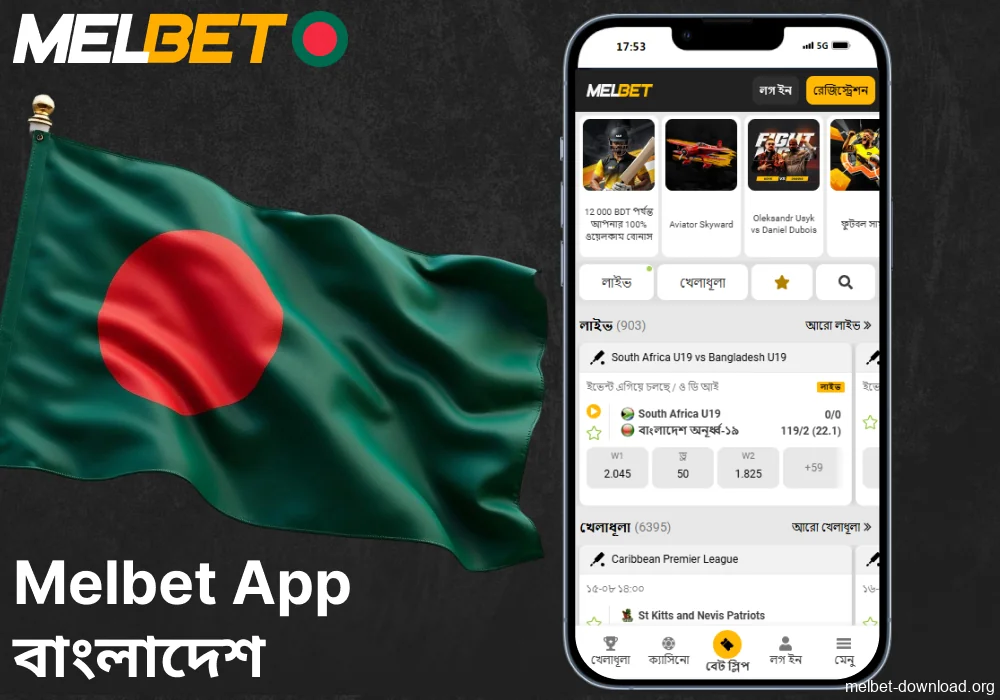
If you bet on cricket from your phone and value speed, the Quick Bet feature (also known as One-Click Bet) saves seconds where it matters most – in live betting. Just make sure you have the latest version of the Melbet download app and a stable mobile internet connection. Quick Bet allows you to set a fixed bet amount in advance and place a bet by clicking on the odds – without additional confirmation. This is especially useful for BPL and international series matches, as the odds change every second.
What is Quick Bet in Melbet and Where is This Feature Located?
Before enabling the option, it is important to understand how it works and what restrictions it has. In the Melbet app, Quick Bet is a mode for instant coupon placement: you set a default amount, after which any click on the odds immediately sends the bet. The option is located in the coupon/account settings and works in pre-match and live modes. By default, the function is disabled, so there will be no accidental bets.
How to Enable and Configure Quick Bet (One-Click Bet)
Below is the recommended sequence of actions. The names of the items may differ, but the logic is the same.
- Log in to the Melbet app and open the Sports → Cricket section.
- Click on the bet slip/bet curtain icon; find One-Click Bet or Quick Bet.
- Set the switch to On and set a fixed amount, for example, BDT 200.
- Select whether confirmation is required when changing the odds (auto-accept is usually enabled in live betting).
- Save your settings. Check the 1-Click label at the top of the coupon; now clicking on the odds will immediately place a bet for the specified amount.
Examples of Scenarios in Cricket (Live and Pre-Match)
To use Quick Bet wisely, it is more convenient to think in terms of scenarios where speed really adds value. Below are three working cases specifically for Bangladesh.
Case 1: Live Total in BPl, Last Overs
Situation: Dhaka vs. Chattogram, three overs remaining, the batting team is accelerating, the total runs are jumping.
Action: keep the Team total in the inning – Over/Under line open. As soon as you see Over 168.5 at odds of 1.92, click – the bet is instantly placed for BDT 200. If the odds have changed before you click, the coupon will still go through if the Accept change option is enabled.
Why use Quick Bet: manually confirming means losing 2-3 seconds and ending up with 1.80 instead of 1.92, or missing out altogether.
Case 2: Pre-Match on the Best Batsman/Bowler Markets
Situation: the line-ups for the Bangladesh vs. Sri Lanka match are announced, and popular players quickly eat up the odds.
Action: keep the Top Batsman market tab open. You see 4.20 on Liton Das – one tap, and the bet is placed.
Why Quick Bet: reaction to line-ups and batting orders – the window is short; in a minute, the odds are already 3.80.
Case 3: Micro Markets in Live Betting – Next Over: Total Runs
Situation: the spinner has found his rhythm, two dot balls in a row. The operator rolls out the line Next over – Over/Under 5.5.
Action: at the signal from the switchboard on the broadcast, you place a Less than 5.5 bet with a single click.
Why use Quick Bet: the offer window is 10–12 seconds; a regular coupon often does not have time to go through before the line is updated.
When it is Better to Disable Quick Bet
Automation increases speed and risk at the same time. To avoid unwanted bets, it is useful to implement simple rules. A systematic approach makes sense here, so that Quick Bet brings a plus at the expected winning points, rather than random noise.
- Turn off the option when viewing statistics/highlights. A random tap on the odds and the bet is gone; it is better to switch to Off when you are not actively betting.
- Use fixed amounts for different modes. For example, BDT 100 for micro markets (over/ball), BDT 300–500 for pre-match on personal markets.
- Monitor the quality of your connection. With unstable 4G, there is a high risk of stuck confirmations and slippage; if your ping is jumping around, only play pre-match.
- Keep an eye on market limits. Some local tournaments have low maximums; if you see a rejection due to a limit, lower the fixed amount in the Quick Bet settings.
- Check the Accept odds change mode. This is critical in live cricket betting: sometimes the odds drop immediately after a hit; it is better to allow auto-acceptance and not lose your bet.
Technical Details in the Melbet App for Bangladesh
Important features for local use include BDT as the currency, fast deposits via bKash/Nagad/Rocket, and frequent play on mobile networks with fluctuating latency. This affects how Quick Bet works and the frequency of live coupon passes.
Currency and Deposits
If your account is in BDT, link a convenient deposit method and check the minimum thresholds for quick bets in advance. For most accounts, a convenient lower denomination for Quick Bet is BDT 100-300: enough to catch the movement and safe for a series of 3-4 attempts in a row.
Interface and Navigation
For live betting on cricket in Melbet apk, keep the events tab open and add your favourite tournaments: BPL, IPL, international T20. This way, you reduce the number of steps in the UI and don’t waste precious seconds. In the coupon settings, enable the display of potential payouts – this helps you quickly assess value without mental arithmetic.